
how-to
How to make a personalized digital gift in one sitting
A personalized digital gift is a short project: choose a format, gather a handful of true details, draft, edit for your voice, and deliver through a private channel that is easy to open.
Updated
The memories only you know
step 02 · the brief
Step 1: Pick the job of the gift
Is it a birthday surprise, a gratitude piece, a proposal lead-in, or a group farewell? one to one interactive quests, group boards, printed books, and simple video notes all win in different jobs. Do not force one tool to do another tool's work.
Step 2: Collect specifics before you write
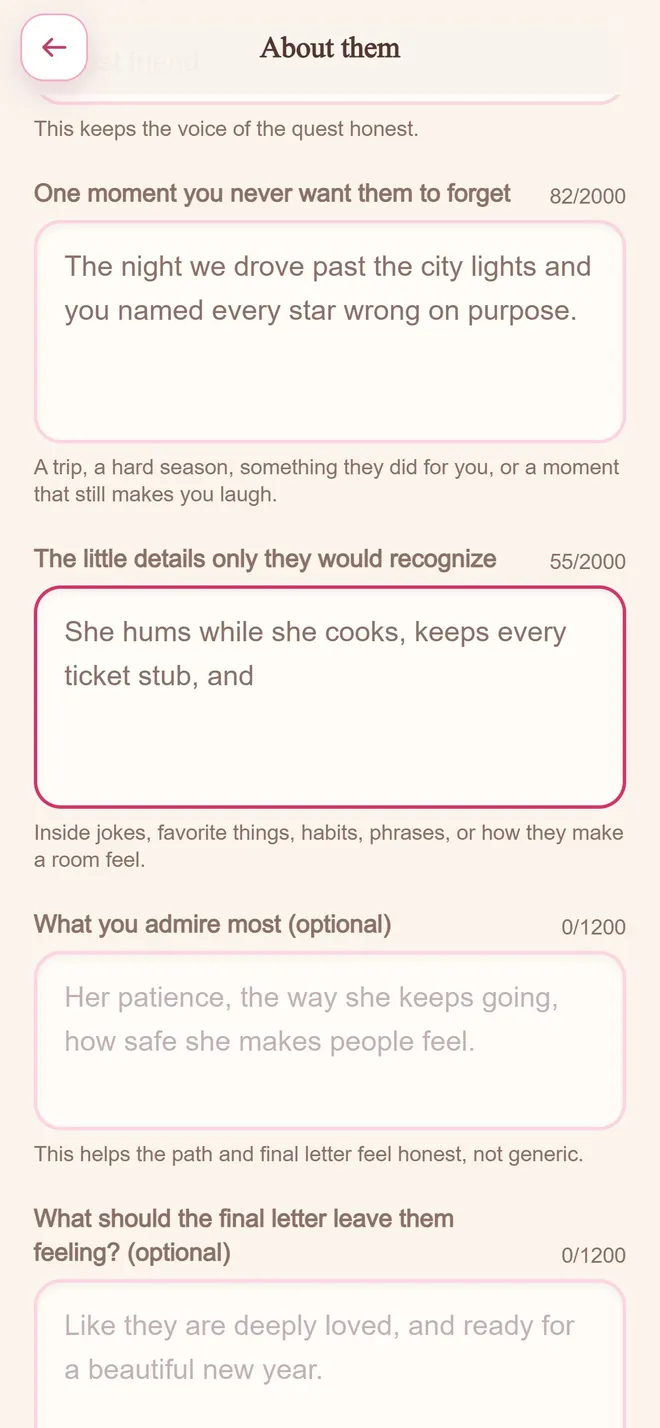
List five memories, three qualities, one inside joke, and one thing you hope for them next. Specifics are the difference between personal and generic.
It bloomed
step 03 · under a minute
Step 3: Draft fast, then edit slowly
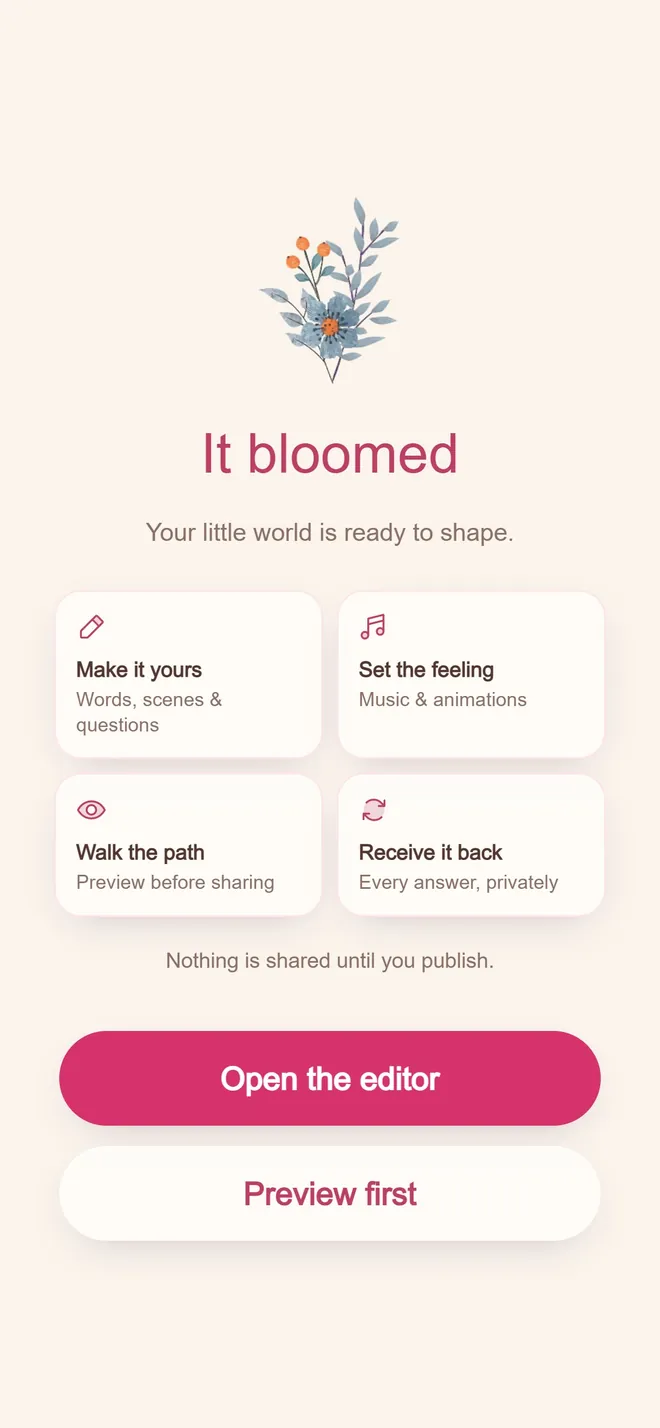
If you use a builder like BloomQuest: Celebrate, let it draft the structure from your brief, then rewrite anything that does not sound like you. If you write from scratch, still draft ugly first and polish second.
Step 4: Deliver with almost no friction
Prefer private links that open in a browser without forcing an account on the recipient. Schedule the unlock if timing matters. Preview once as if you were them.
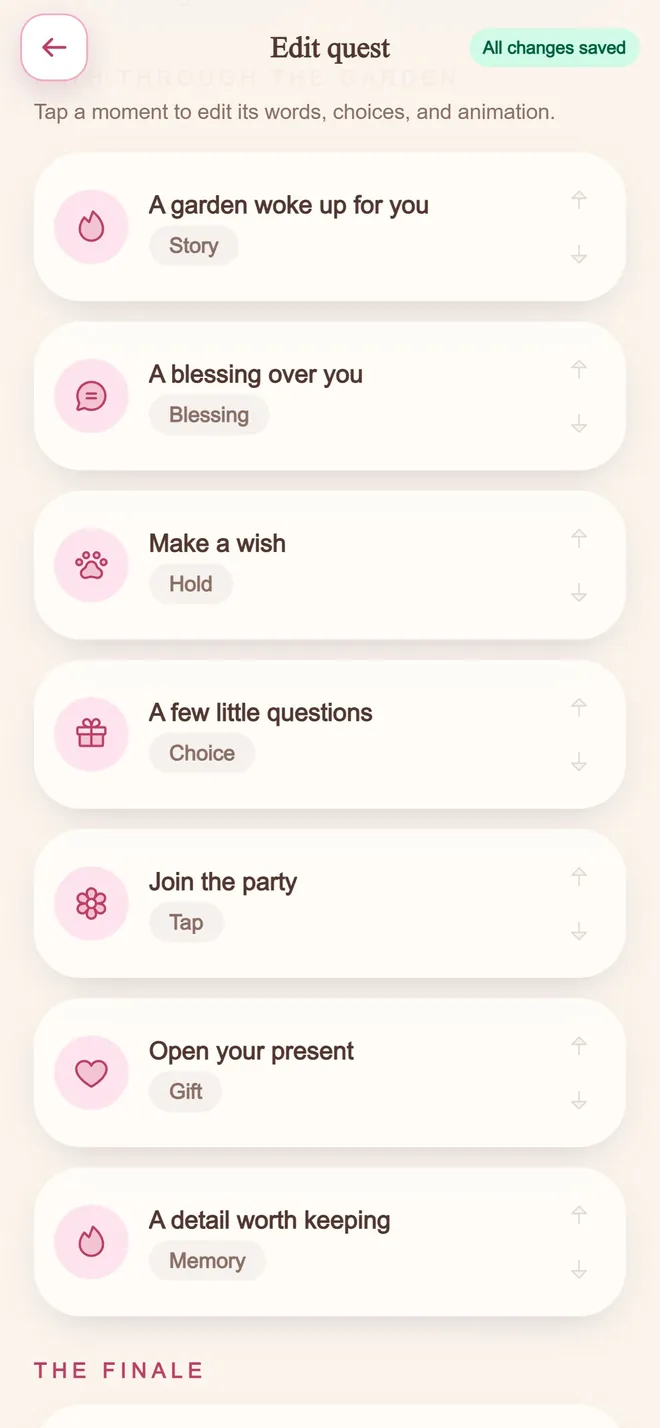
In BloomQuest: Celebrate that path is: choose occasion, answer prompts, edit the quest, publish, share the private link.
Rewrite any line
step 03 · the editor
How to do it, step by step
- 1
Pick the format
Decide between a written path, a video, a photo timeline, or an interactive quest based on what you have the most real material for.
- 2
Gather memories before you write anything
List specific moments, phrases, and details in bullet form first. Writing and remembering at the same time slows both down.
- 3
Generate or draft the first version
Use a generator or your own rough draft to get something on the page fast. The blank page is the biggest obstacle to finishing.
- 4
Edit for voice
Read it aloud. Cut anything that does not sound like you, and add the detail that only you would know.
- 5
Share a private link
Publish to an unlisted link rather than a public post, so the gift stays meant for one person.
Mistakes worth avoiding
Starting with a blank page
Gathering memories before writing is what makes the sitting fast. Writing and remembering simultaneously is what makes it slow.
Publishing the first draft unedited
Generated or rough drafts are a scaffold. The editing pass is where it becomes a gift instead of a template.
Choosing a format that outstrips your material
A video needs footage. A memory path needs specifics. Pick the format your actual material supports.
Common questions
How do I make a personalized digital gift?
Choose a format that fits the occasion, gather specific memories, draft the experience, edit until it sounds like you, and share it through a private, easy-to-open link.
How long should a personalized digital gift take?
Many one to one digital gifts can be drafted in minutes and polished in one sitting. Longer projects like printed books need more lead time.
Build a personalized quest
Free to start. Pay only when you are ready to share.