
print the portal
A QR code gift that opens a private interactive quest
A QR code gift bridges the physical and digital without requiring a shipping box full of stuff. You build a private quest, place the link behind a code on a card or small object, and they scan into an experience written for them alone.
BloomQuest: Celebrate quests are browser openable private links, so a QR is simply a convenient doorway useful on a dinner table, in a care package, or taped to a mug when words on a napkin are not enough.
Best for: People who want a tactile handoff plus a rich digital path, including parents who prefer something they can hold first.
Updated
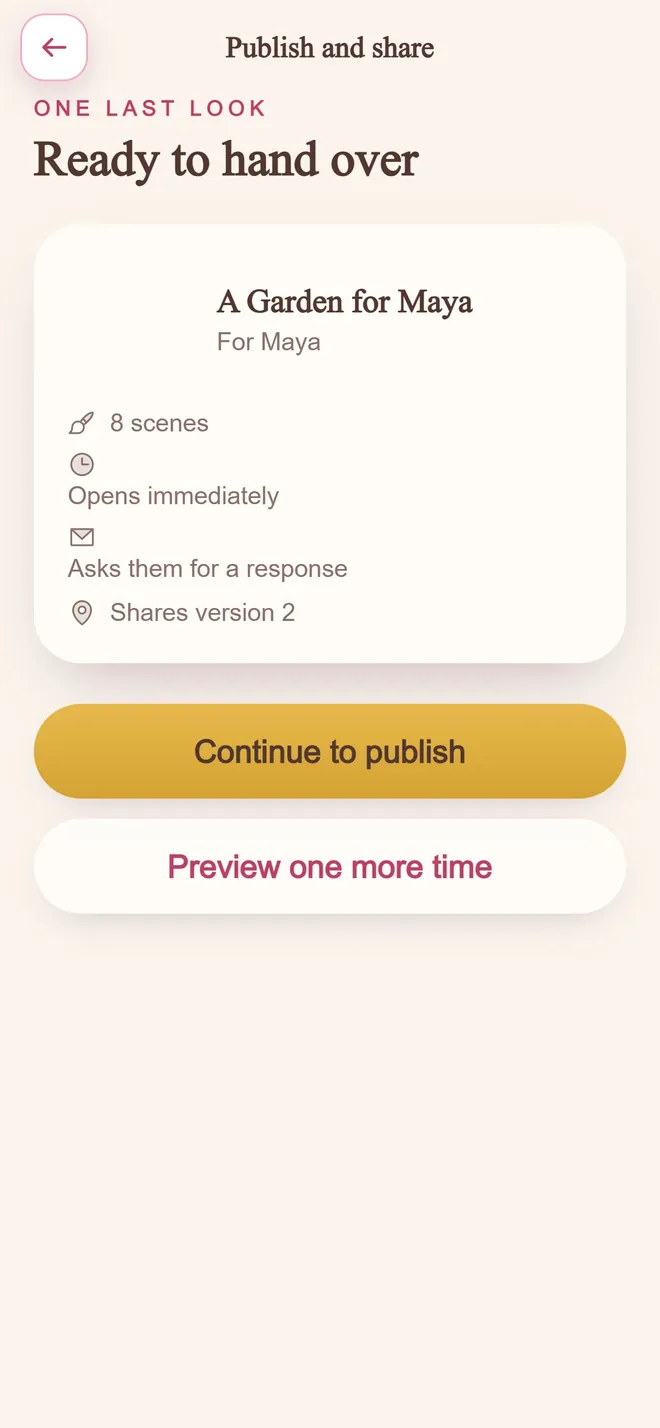
Ready to hand over
step 04 · one private link
Why this format works
Physical moment, digital depth
The card is the gesture; the quest is the story, play, and reply.
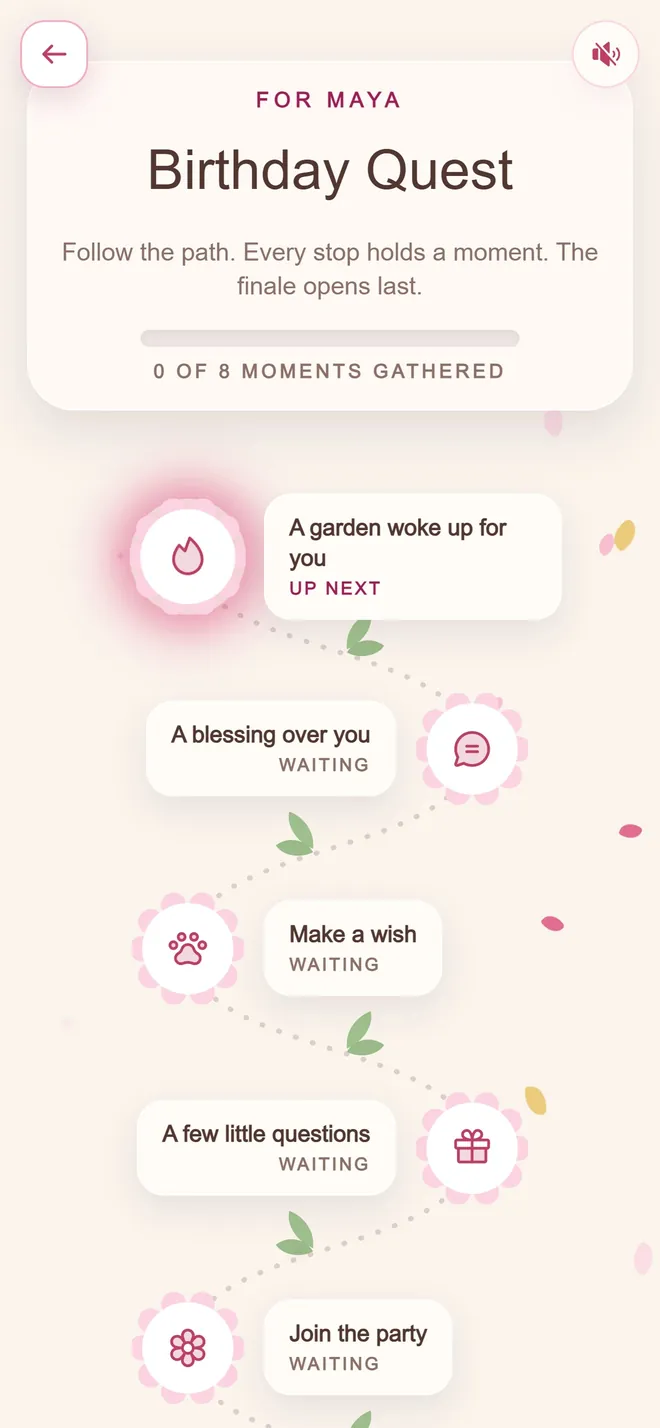
Every stop holds a moment
the path they walk
Works at the table
Scan during breakfast, dinner, or a party without hunting through chat history.
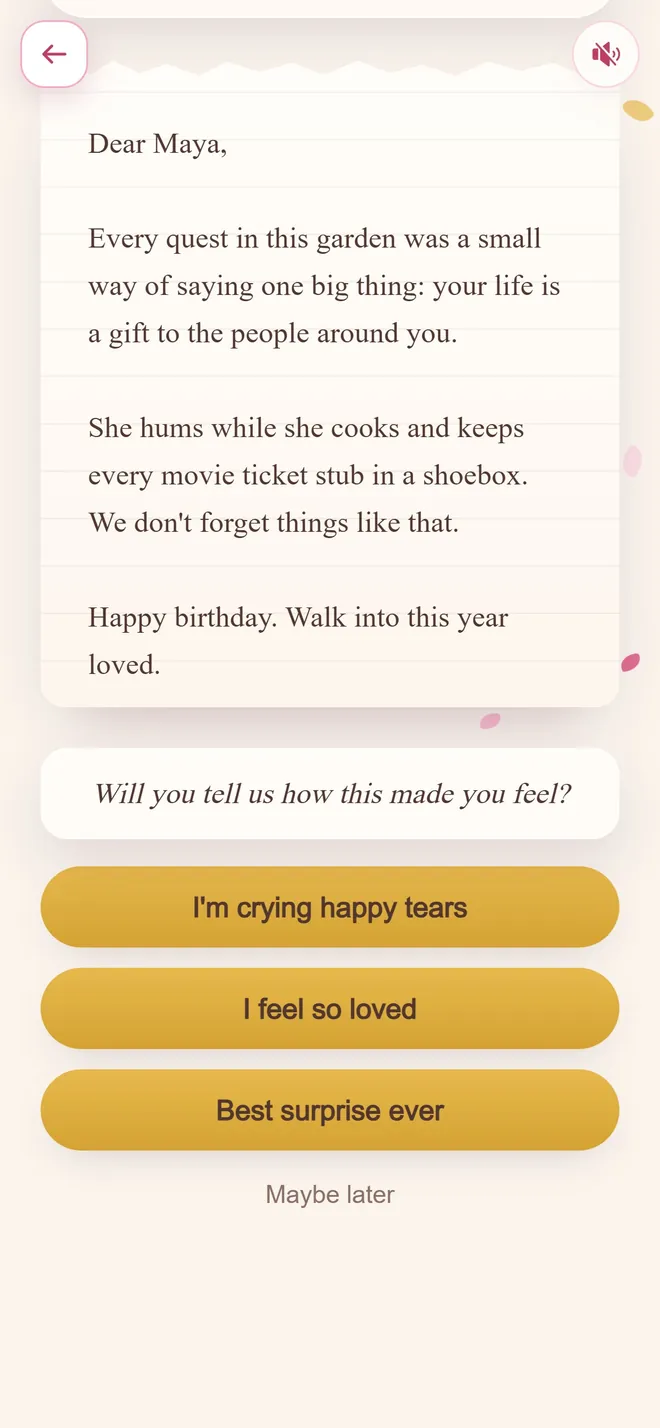
One last letter
the finale
No app install for them
Most phone cameras open the link straight into a browser.
Pairs with simple presents
Use the QR as the emotional layer next to flowers, cake, or a small keepsake.
QR solves delivery, not content
A code is a bridge from something physical to something digital. It is genuinely useful for that and it does nothing to help you decide what sits behind it.
People often arrive with the mechanism sorted and the content still blank, which is the harder half of the problem.
Practical failures worth avoiding
Print size and contrast matter - a code too small or on a busy background will not scan reliably, and a recipient who fails twice will give up.
Test it with an actual phone camera from the distance they will hold it, and make sure the destination works without an app.
Ways to make it land
- 1
Print it on a card instead of writing inside one
The card becomes the wrapper for an interactive experience rather than the message itself.
- 2
Attach it to a small physical object
A tag on a gift, a note on a breakfast tray, or a bookmark all work as QR carriers.
- 3
Test the scan before printing at scale
Confirm the code resolves correctly on a phone camera before committing to print.
Examples you can borrow
The thing in your hands is the small part. Scan the code on the back for the rest of it.
I could not fit what I wanted to say on a card, so the card is now a door.
Scan it when you have a quiet ten minutes.
Mistakes worth avoiding
Printing the code too small
A code that is hard to scan defeats the entire convenience of the format.
Forgetting a one line hint about what it opens
A brief "scan for something for you" avoids confusion before they try it.
Matching occasion templates
Common questions
How do I make a QR code gift with a personalized message?
Build a private interactive quest, copy its link, and generate a QR code that points to it. Print the code on a card or tag so scanning opens the full experience.
Does the recipient need a special app to scan a BloomQuest: Celebrate gift?
No. A standard phone camera or QR reader that opens web links is enough; the quest runs in the browser.
Can I hide the surprise until they scan?
Yes. The physical object can stay mysterious, and you can also schedule the quest unlock so the content is ready only at the right time.
Ready to build it?
Free to start. Pay only when you are ready to share.