
no app for them
A digital gift they open in any browser, no app required
Friction kills surprises. If the recipient has to install something, create an account, or join a platform they do not use, the moment breaks. A browser openable digital gift keeps the ask tiny: tap the link, start the path.
With BloomQuest: Celebrate, only the creator uses the app. The published quest is a private web experience for the person you built it for.
Best for: Anyone gifting someone who avoids new apps, including older parents and busy partners.
Updated
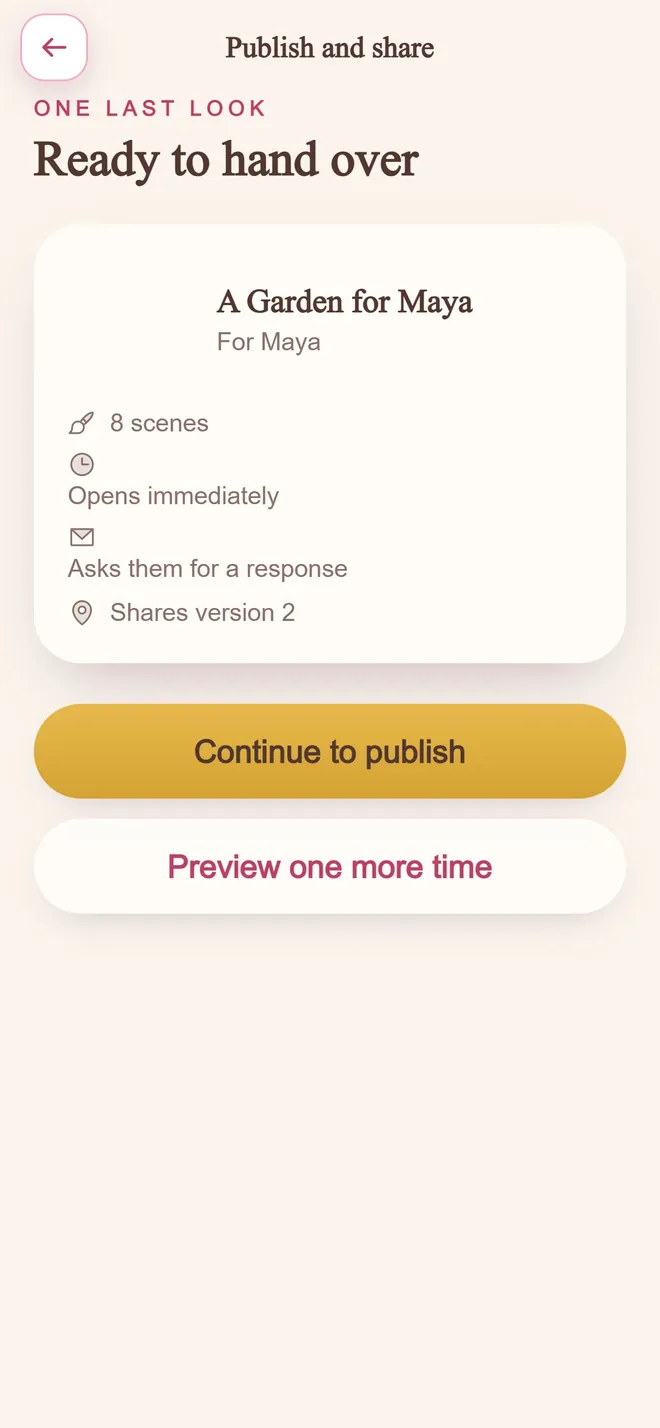
Ready to hand over
step 04 · one private link
Why this format works
Zero install for recipients
Phone or laptop browser is enough.
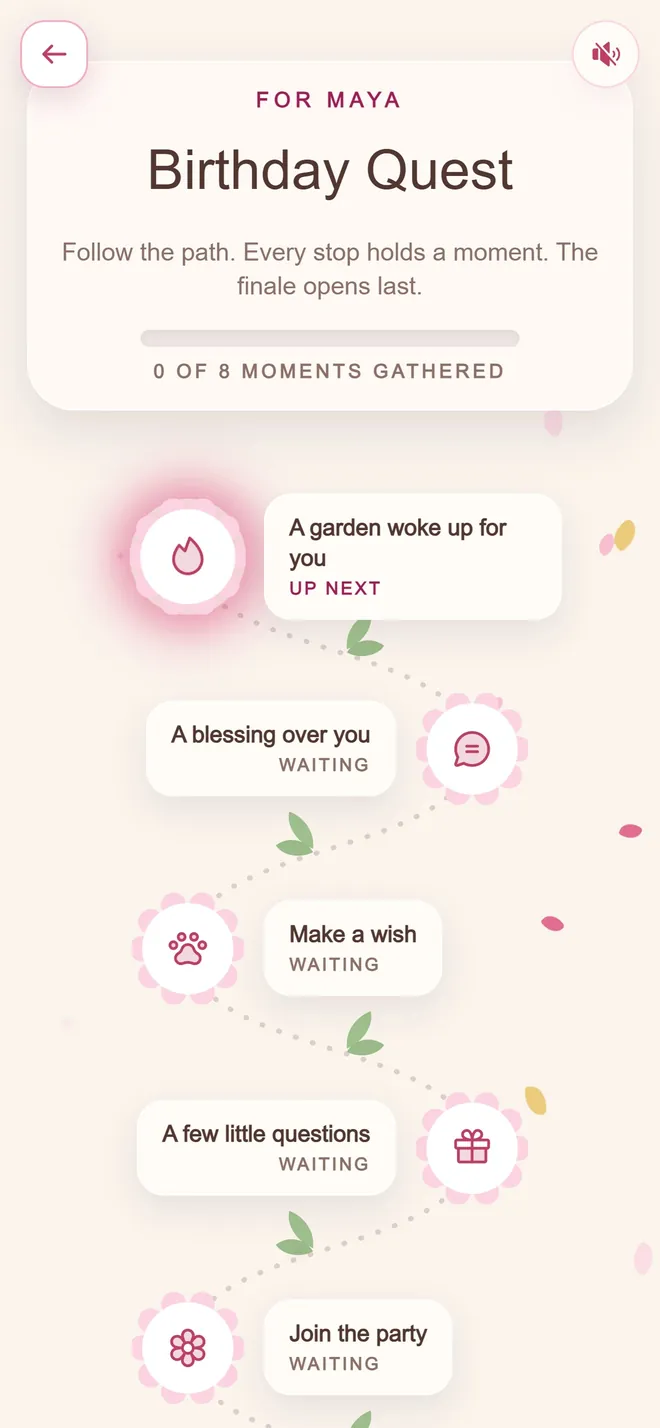
Every stop holds a moment
the path they walk
No recipient account
They are not asked to sign up to feel loved.
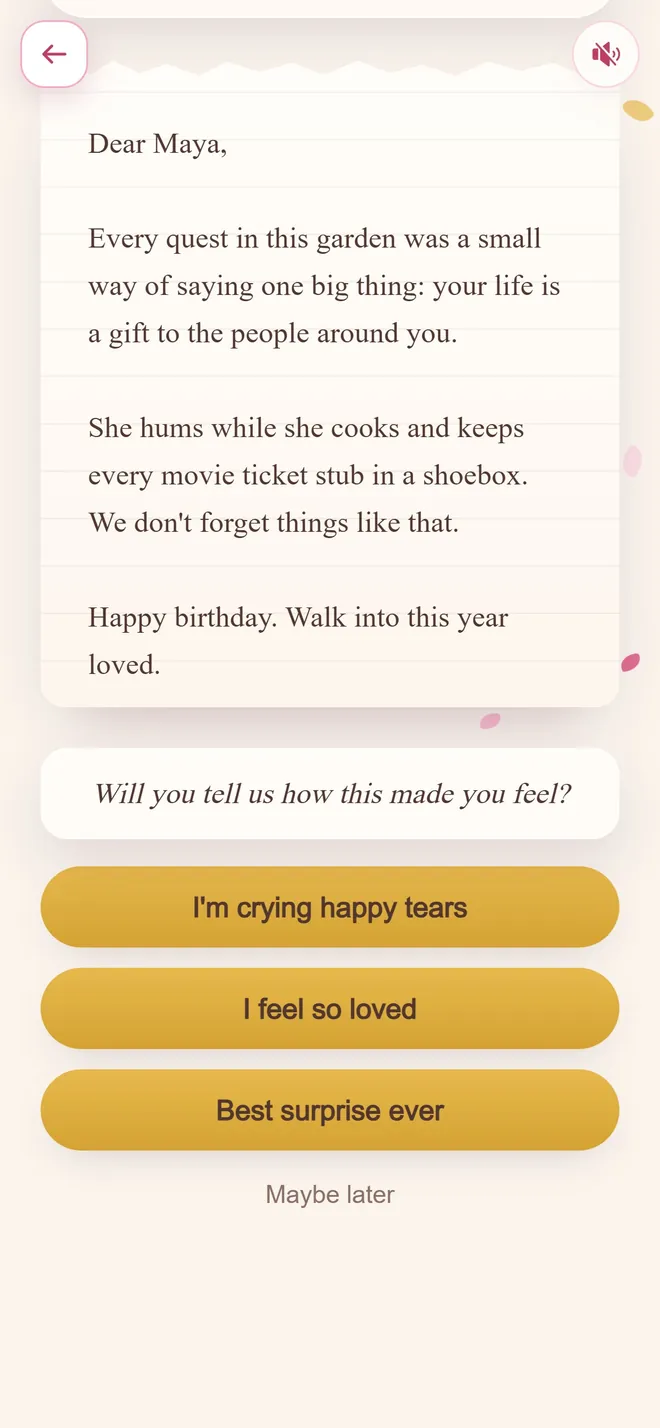
One last letter
the finale
Works across devices
Send the same link whether they are on iOS, Android, or desktop.
Still private
Browser delivery does not mean public. The link stays unlisted.
Every extra step loses recipients
The gap between a link and an app install is much larger than it appears. For an older recipient, or one on a nearly full phone, it is frequently where the gift ends permanently.
Accounts are the other common barrier. Asking someone to register before reading something addressed to them adds friction at exactly the wrong moment.
Testing it properly before you send
Open the link on a phone that has never seen it, on mobile data rather than home wifi. That approximates the recipient's conditions and catches most problems.
Also check it with reduced-motion enabled. If the meaning depends on animation, a meaningful share of recipients will get a diminished version.
Ways to make it land
- 1
Build it in the app, share it as a link
The creation tool needs an app; the recipient's experience does not.
- 2
Test the link on a device you do not normally use
Confirms it renders correctly regardless of what phone or browser the recipient has.
- 3
Mention explicitly that no app or account is required
A short note alongside the link removes any hesitation before they open it.
Examples you can borrow
One link, no app, no sign-up. Open it when you have ten quiet minutes.
Just tap the blue text. That is the whole instruction.
Opens in whatever you already use. Nothing to install.
Mistakes worth avoiding
Assuming everyone will install something new
The most common reason a well-made gift goes unopened. Friction, not disinterest, is usually the cause.
Forgetting to test on mobile
Most recipients will open a private link on a phone first. Confirm it works there before sending.
Matching occasion templates
Common questions
Do digital gifts usually require an app?
Some do. BloomQuest: Celebrate does not for recipients. They open a private link in any web browser while only the creator needs the mobile app.
Will it work on an older phone?
If the phone can open a modern web browser, it can open a published quest. No app store listing is required on their side.
Can I send the link by text or email?
Yes. Any channel that can carry a URL works: messaging apps, email, or a QR code on a card.
Ready to build it?
Free to start. Pay only when you are ready to share.