
how-to
How to schedule a surprise gift so it unlocks at the right moment
Scheduling a surprise is a logistics skill: build when you have energy, unlock when the moment is right for them.
Updated
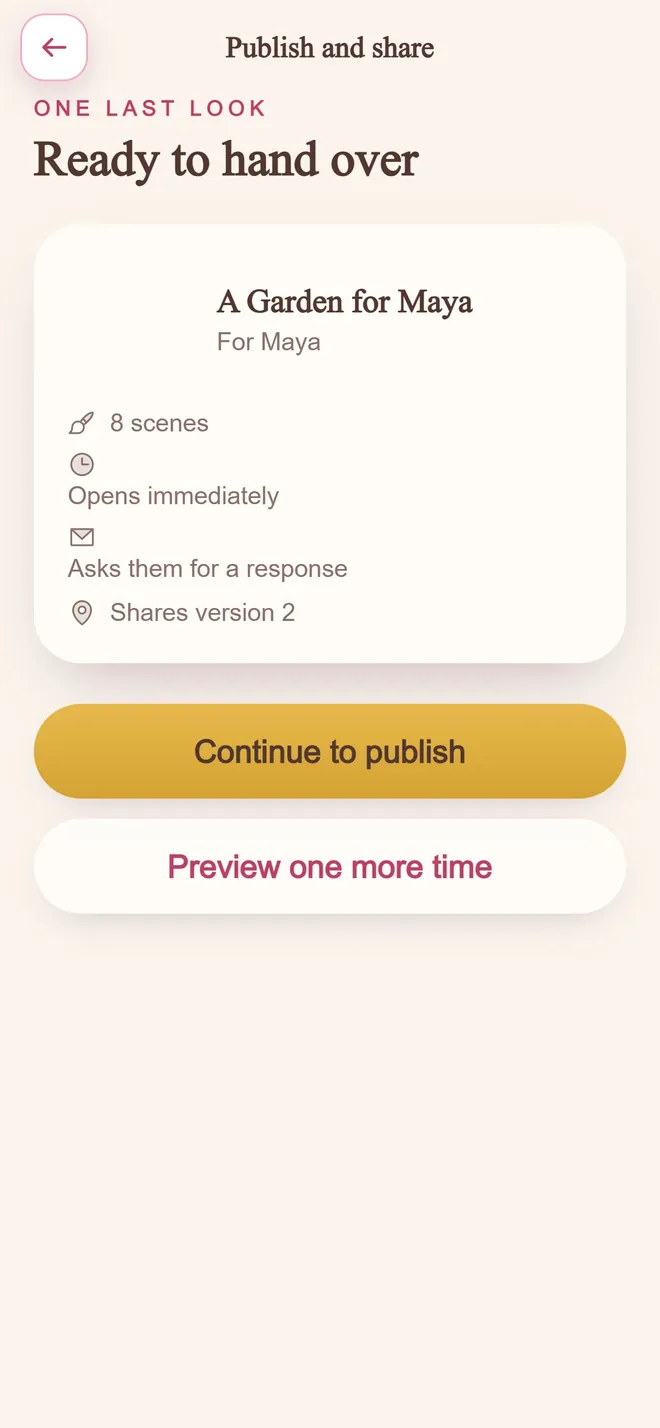
Ready to hand over
step 04 · one private link
Separate creation from delivery
Write and edit the gift days early if you can. Rushing content at midnight produces generic lines. Rushing only the send is fine.
Convert to their timezone
Birthday morning means their morning. Confirm the offset, then set the unlock. If you are unsure, choose a gentle daytime hour over a dramatic midnight.
BloomQuest: Celebrate supports locking a quest until a chosen date and time so the surprise holds even if they already have the link.
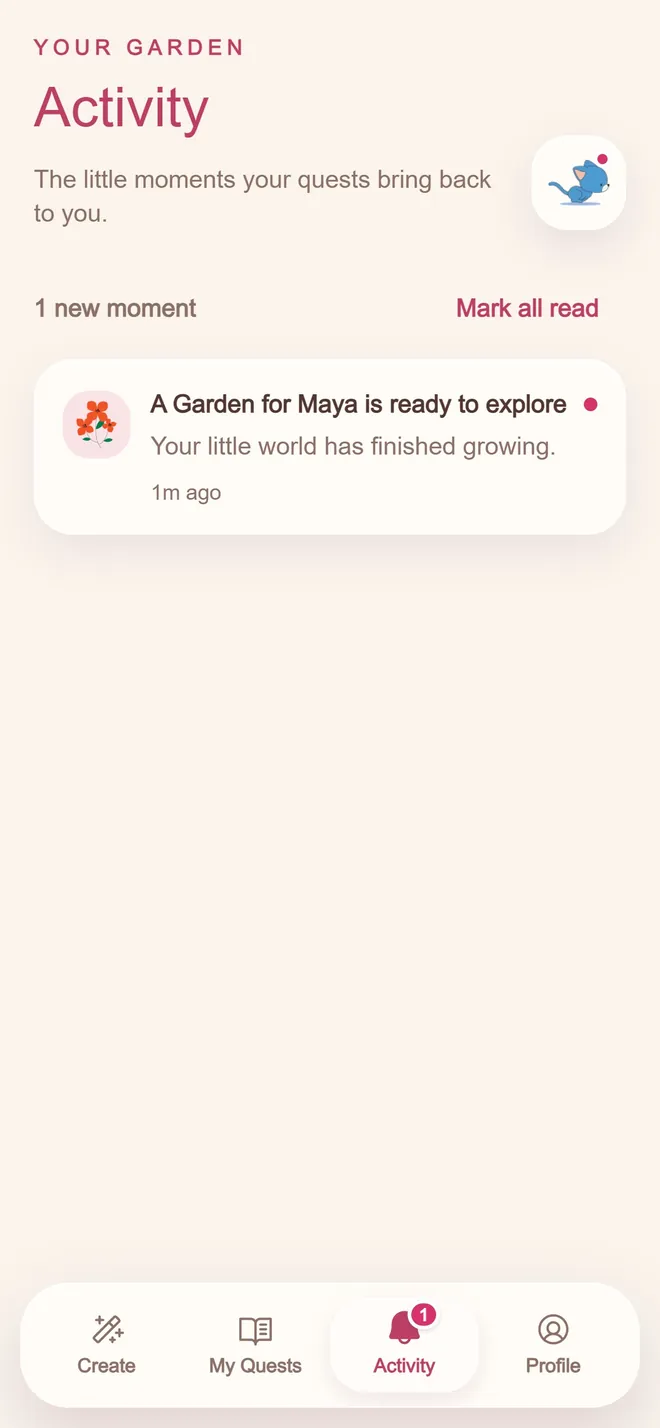
You hear about it first
when they open it
Share the link without spoiling the content
You can send the URL early with a note that it opens later, print a QR for the day of, or wait until the unlock and send in one step. Preview once as the recipient.
How to do it, step by step
- 1
Finish the gift well before the deadline
Building under time pressure is where generic sentences creep back in. Give yourself margin.
- 2
Convert to their local time
Not yours. A gift that unlocks at 3am their time undercuts the whole point of scheduling it.
- 3
Lock the exact unlock moment
Choose the precise time (midnight, morning, a specific hour) rather than leaving it to whenever you happen to send the link.
- 4
Send the link ahead of the unlock
There is no reason to wait until the moment itself. The lock does the waiting for you.
- 5
Test it yourself first
Open the link as if you were them, the day before, to confirm the schedule behaves the way you expect.
Mistakes worth avoiding
Scheduling in your own timezone by habit
The single most common scheduling mistake. Always convert deliberately.
Writing right before the deadline
Removes the entire benefit of scheduling ahead: the chance to write without pressure.
Not testing the unlock before sending
A schedule that behaves unexpectedly is worse than no schedule at all. Confirm it works first.
Common questions
Can I schedule a digital gift for birthday morning?
Yes. Use a tool that supports unlock times, set it for their local morning, and share the private link when you are ready.
What if they open the link early?
With a locked unlock, they may see that the gift is not available yet rather than the full content. That preserves the surprise.
Build a personalized quest
Free to start. Pay only when you are ready to share.